
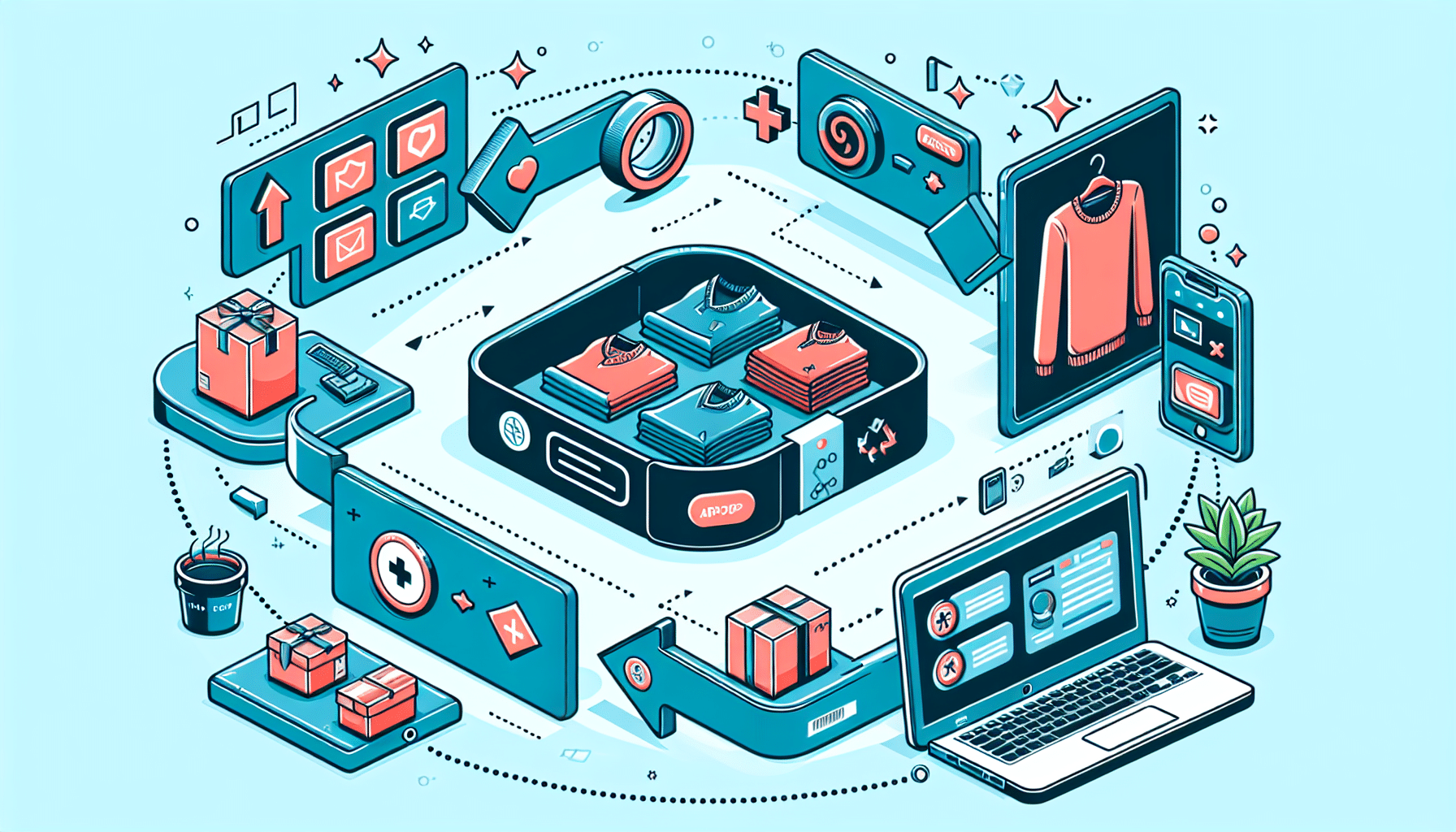
Creating product bundles in WooCommerce can boost your sales strategy by offering customers value packs, enhancing their shopping experience while increasing your total sales volume. Here’s a simple guide on how to effectively set up product bundles in your WooCommerce store.
1. Choose a Product Bundling Plugin
While WooCommerce doesn’t have built-in functionality for creating product bundles, various plugins can help. Consider popular options like Product Bundles by WooCommerce or WPC Product Bundles. These tools offer various features such as flexible pricing, shipping options, and more.
2. Install and Activate the Plugin
After selecting a plugin, install and activate it through your WordPress dashboard. Navigate to Plugins > Add New, search for your chosen plugin, and click Install Now, followed by Activate.
3. Set Up Your Product Bundles
Once the plugin is active, head over to Products > Add New. Here, you can create a new product titled as a bundle. In the product type dropdown, select Product Bundle or the equivalent option provided by your plugin.
4. Select the Products to Include
Choose which products you want to include in your bundle. Your plugin will typically allow you to add multiple products that you’d like to offer as a package deal. Be mindful of selecting complementary items that add value for your customers.
5. Configure Pricing and Discounts
Decide on the pricing strategy for your bundle. You can offer discounts to incentivize purchase, set fixed prices, or apply dynamic pricing rules if available within your plugin.
6. Customize and Optimize for Sales
Enhance your product bundles with compelling descriptions, images, and SEO-friendly elements. Ensure the bundle’s value proposition is clear and attractive enough to catch the customers’ attention.
7. Monitor and Adjust
After launching your product bundles, keep track of their performance through analytics. Adjust your strategy based on sales data and customer feedback to optimize their appeal.
Creating product bundles in WooCommerce can be a straightforward process with the right plugin and strategy. By offering thoughtfully crafted bundles, you can meet customer needs effectively and boost your store’s revenue.