General Blogging

Lazy Loading vs Caching for WooCommerce: What's More Important?

Lazy Loading vs Caching for WooCommerce: What’s More Important?

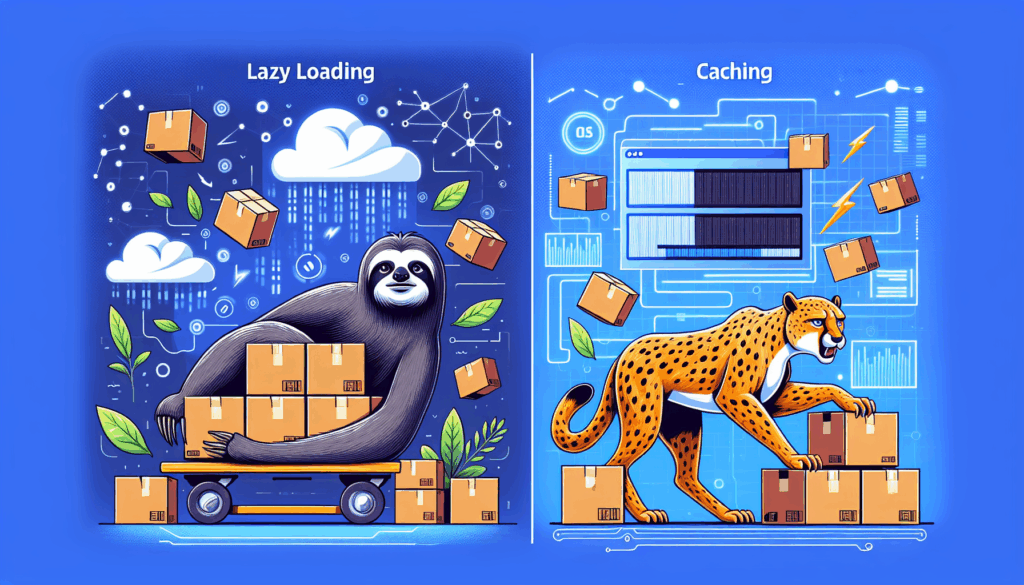
In the dynamic environment of e-commerce, ensuring your WooCommerce site runs efficiently is crucial for both user experience and search engine rankings. Two essential strategies often discussed are lazy loading and caching. Both play vital roles, but the importance of each can vary based on your specific website needs. Understanding Lazy Loading Lazy loading is […]

Lazy Loading vs Caching for WooCommerce: What’s More Important? Read More »

How to Optimize Product Images for WooCommerce Performance

How to Optimize Product Images for WooCommerce Performance

Product images are crucial for any e-commerce platform, especially WooCommerce, as they directly impact sales and customer experience. However, large and improperly optimized images can slow down your site, affecting its performance. Here’s how to optimize product images for WooCommerce for the best performance without compromising quality. 1. Choose the Right Image Format For WooCommerce,

How to Optimize Product Images for WooCommerce Performance Read More »

WooCommerce Hosting: What to Look for in a Fast, Reliable Provider

WooCommerce Hosting: What to Look for in a Fast, Reliable Provider

When launching an online store with WooCommerce, choosing the right hosting provider is crucial for your store’s performance and reliability. With numerous options available, here are the key factors to consider when looking for a fast, reliable WooCommerce hosting provider: 1. Speed and Performance Fast loading times are essential for both user experience and SEO.

WooCommerce Hosting: What to Look for in a Fast, Reliable Provider Read More »

10 Proven Ways to Speed Up Your WooCommerce Store

10 Proven Ways to Speed Up Your WooCommerce Store

Optimize Images: Use image optimization plugins or services to compress images without losing quality, reducing load time significantly. Enable Caching: Implement caching plugins like WP Rocket or W3 Total Cache to serve cached pages, improving load times for returning visitors. Minimize Plugins: Deactivate and delete unnecessary plugins to streamline your site’s performance. Use only essential

10 Proven Ways to Speed Up Your WooCommerce Store Read More »

Setting Up Stripe & PayPal for WooCommerce: What You Need to Know

Setting Up Stripe & PayPal for WooCommerce: What You Need to Know

Setting up payment options on your WooCommerce store is a pivotal step to ensure seamless transactions for your customers. Stripe and PayPal are two of the most popular payment gateways, each providing distinct advantages to boost your e-commerce operations. Why Choose Stripe? Stripe offers a streamlined, developer-friendly solution with an array of features designed to

Setting Up Stripe & PayPal for WooCommerce: What You Need to Know Read More »

Step-by-Step Guide to Setting Up Taxes in WooCommerce

Step-by-Step Guide to Setting Up Taxes in WooCommerce

Introduction Setting up taxes in WooCommerce is essential for any eCommerce store owner. Proper tax configuration ensures compliance and smooth transactions. This guide will walk you through setting up taxes in WooCommerce step-by-step. Step 1: Enable Taxes in WooCommerce To start, navigate to WooCommerce > Settings in your WordPress dashboard. In the General tab, check

Step-by-Step Guide to Setting Up Taxes in WooCommerce Read More »